
How Can an AI Video Editor With ChatGPT Speed Up Your Workflow?
Making videos used to mean juggling storyboards, scripts, and hours of manual cutting. Now, an AI video editor with ChatGPT can handle much of that heavy lifting for you. By pairing a conversational AI model with editing software, you can turn plain-language ideas into polished clips without deep technical skills. This shift is changing how creators, marketers, and small business owners approach content. If you have ever felt stuck at the blank timeline, this pairing offers a friendlier starting point. Below, we break down how the technology works, what it does well, and how to use it wisely.
Table of Contents
What Does Combining ChatGPT With Video Editing Actually Mean?
At its core, this setup connects a large language model to editing tools. ChatGPT handles the thinking part: planning, scripting, and organizing ideas. The editor handles the visual part: cutting footage, adding captions, and arranging scenes. Think of it as a two-person team. One writer maps out the story, and one editor assembles the footage. The difference is that both roles now run on AI, so the back-and-forth happens in seconds. You describe what you want in normal words. The system interprets your request and suggests a structure. Some platforms take this further by generating scripts, voiceovers, and rough cuts automatically. That saves you from starting every project from scratch.

How Does the Editing Process Work Step by Step?
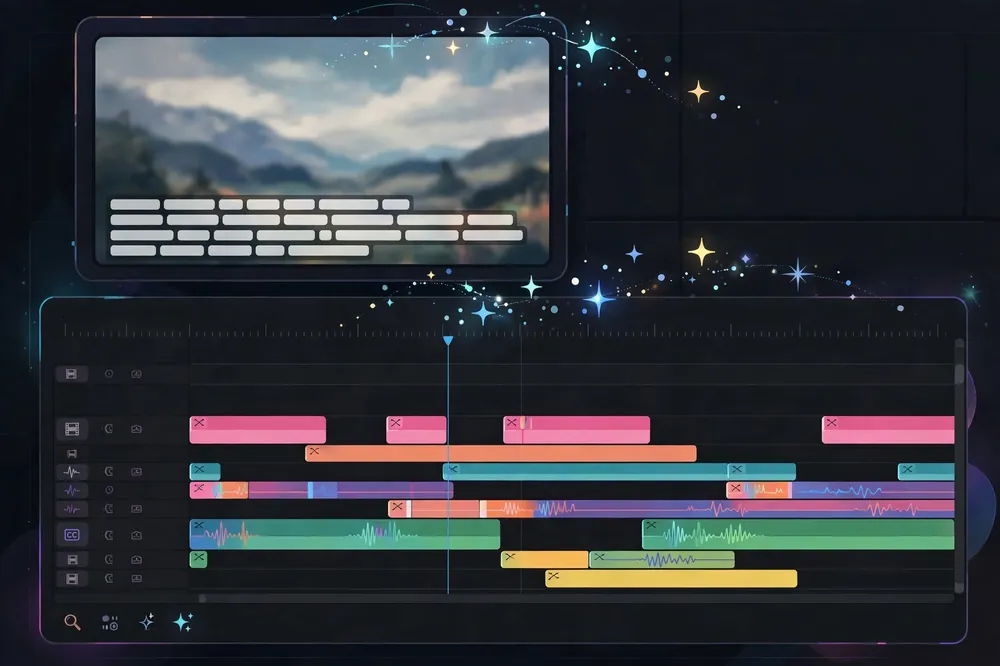
The workflow usually follows a clear pattern. Understanding it helps you get better results. Describe your goal. Tell the AI your topic, tone, and target length. Generate a script. ChatGPT drafts the narration or on-screen text. Import or generate media. You add clips, or the tool suggests stock footage. Auto-edit the timeline. The software syncs visuals with the script. Refine and export. You tweak transitions, captions, and pacing before saving. Each step still allows human input. The AI proposes, and you decide. This keeps you in control while cutting the tedious parts. Most creators find the first draft appears far faster than manual methods allow.
What Are the Real Benefits for Creators?
The biggest gain is time. Tasks that once took hours can shrink to minutes. That matters if you post regularly and need to keep a steady schedule. There are other practical wins too: Lower skill barrier. You do not need to master complex software menus. Faster brainstorming. ChatGPT can suggest hooks, titles, and outlines instantly. Consistent output. Templates and prompts keep your style uniform across videos. Easier repurposing. One long video can be trimmed into several short clips. Small teams benefit most. A single person can now produce content that once required a writer, an editor, and a designer. That levels the field for independent creators and local businesses competing with larger brands.
Which Tools and Platforms Support This Approach?
Several platforms now blend AI writing with video production. Editors like CapCut, Descript, and Runway offer features that lean on machine learning for captions, cuts, and effects. Meanwhile, models such as GPT-4 and Claude power the scripting and planning side. Some services integrate these functions directly. For example, you can explore an AI video editor with ChatGPT that links conversational prompts with hands-on editing tools in one place. This kind of integration removes the need to copy text between separate apps. Other popular tools in this space include Adobe Premiere Pro with its Sensei features and Canva for quick social clips. Choosing the right one depends on your budget, your platform, and how much control you want over the final cut.
How Do You Write Prompts That Get Good Results?
The quality of your output depends heavily on your input. Vague requests produce vague videos. Clear, detailed prompts produce sharper results. Try to include a few key details every time: Audience: Who will watch this? Tone: Should it feel casual, formal, or playful? Length: How many seconds or minutes? Goal: Are you teaching, selling, or entertaining? For instance, instead of asking for “a video about coffee,” ask for “a 30-second upbeat clip explaining three brewing tips for beginners.” The second prompt gives the AI a real target. You can always refine from there, adjusting the tone or trimming sections until it fits. Treat prompting as a conversation. If the first draft misses the mark, tell the AI what to change rather than starting over.
What Are the Limits You Should Keep in Mind?
No tool is perfect, and this pairing has real boundaries. AI can misread context, invent details, or produce generic phrasing. That is why a human review step remains essential. Watch for these common issues: Factual slips. Always verify claims, names, and statistics yourself. Repetitive style. AI can sound flat if you rely on default settings. Copyright care. Confirm you have rights to any generated or stock media. Emotional nuance. Machines struggle with subtle humor and genuine feeling. Your judgment adds the human touch that audiences trust. Use the AI to speed up production, but keep your voice at the center. The best results come from collaboration, not full automation.
Is This Technology Worth Adopting Now?
For most creators, the answer leans toward yes, especially if speed matters. The learning curve is short, and the time savings add up quickly. Even if you only use it for scripting or captions, you gain hours back each week. Start small. Pick one project and test the workflow end to end. Notice where the AI helps and where you still prefer manual control. Over time, you will build a rhythm that blends automation with your creative instincts. As these tools improve, early experience will give you a real edge over creators who wait.
Conclusion
An AI video editor with ChatGPT brings scripting, planning, and editing into one smooth process. It lowers the skill barrier, speeds up production, and frees you to focus on ideas rather than tedious tasks. Still, the technology works best as a partner, not a replacement. Your review, taste, and voice remain what make content connect with real viewers. Try it on a small project, learn its strengths, and refine your prompts as you go. With a thoughtful approach, you can produce more videos in less time while keeping your creative identity firmly in charge.